01
Match popular bead palettes
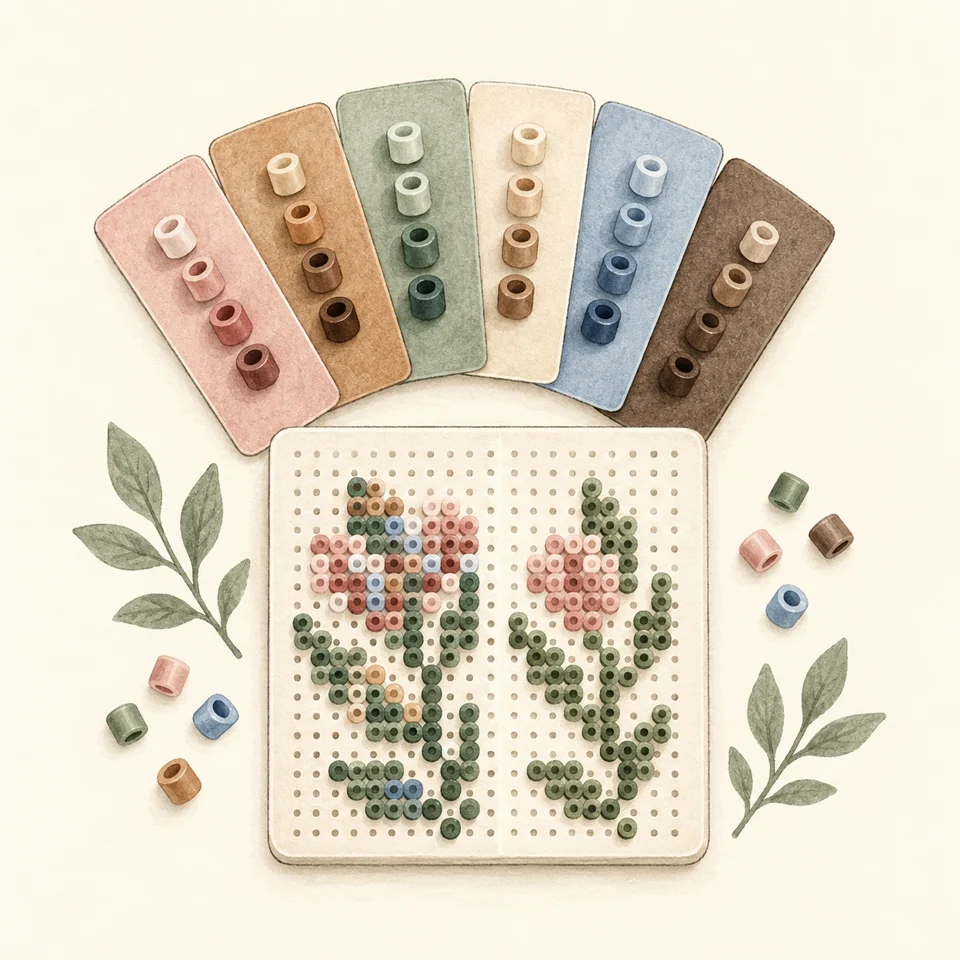
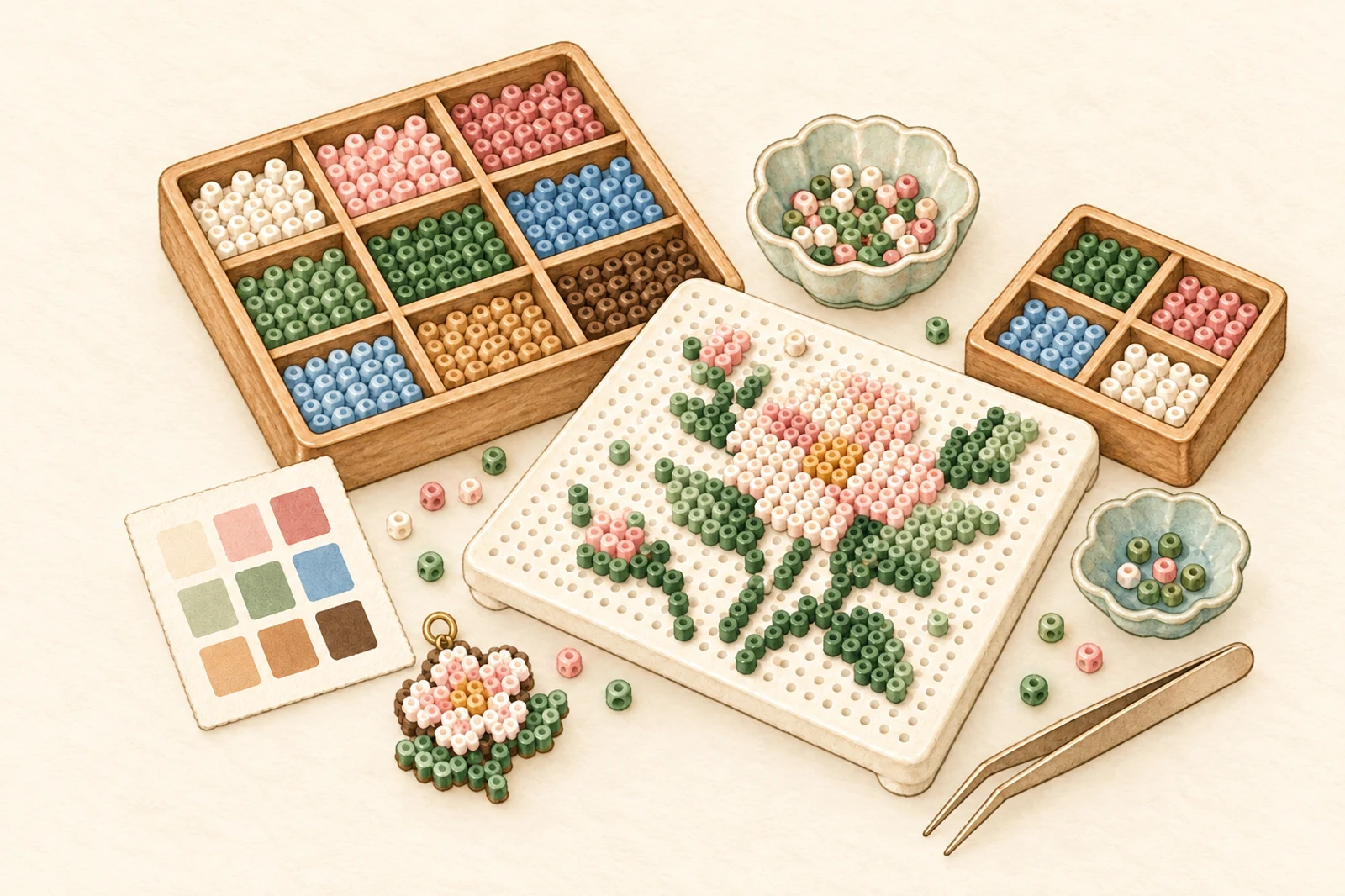
Extract the essential colors and map them to five real bead palettes: MARD, COCO, Manman, Panpan and Mixiaowo.
Image-to-bead-pattern maker
Upload an image, match it to popular fuse-bead palettes, refine every cell, and export a high-resolution PNG with coordinates and color counts.
100%
local image processing
5
popular bead palettes
16–150
adjustable grid width
The Pinhaodou workflow
A smooth workflow from color reduction to cell-by-cell edits and print-ready PNG export.
01
Extract the essential colors and map them to five real bead palettes: MARD, COCO, Manman, Panpan and Mixiaowo.
02
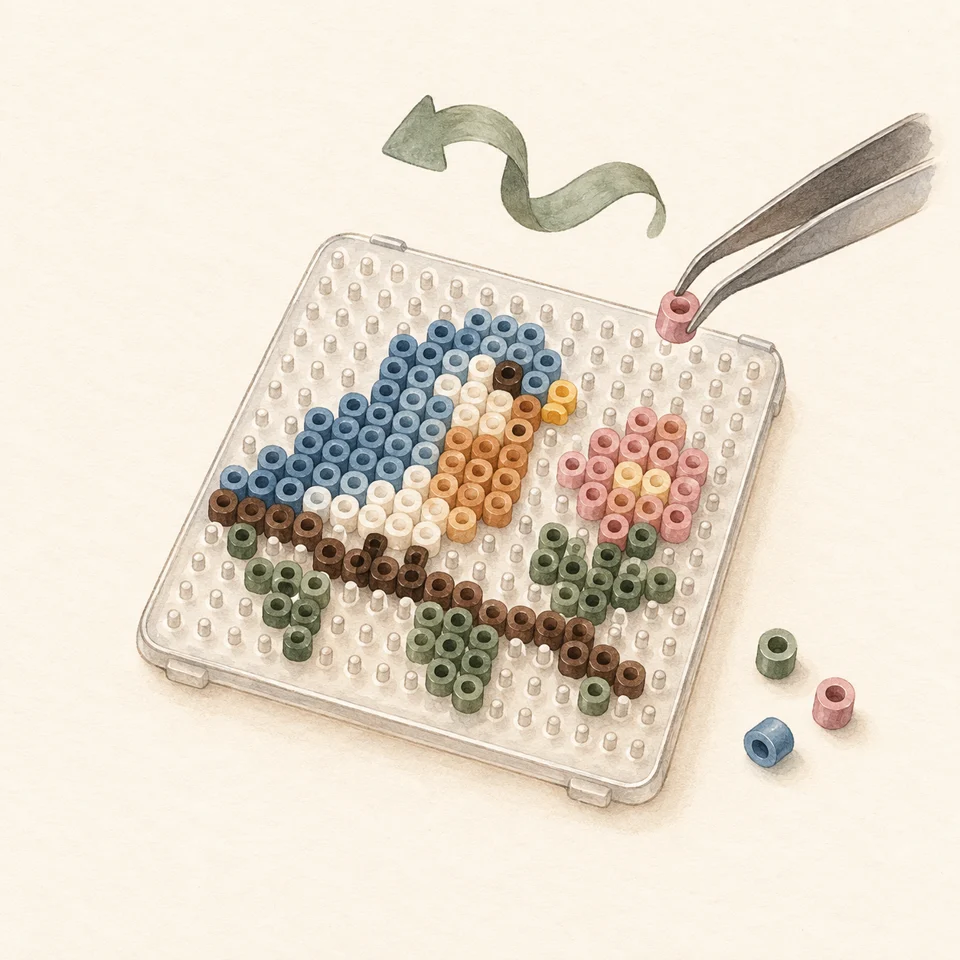
Use pen, eraser, fill, picker, replace, undo and redo to refine every cell exactly as you want it.
03
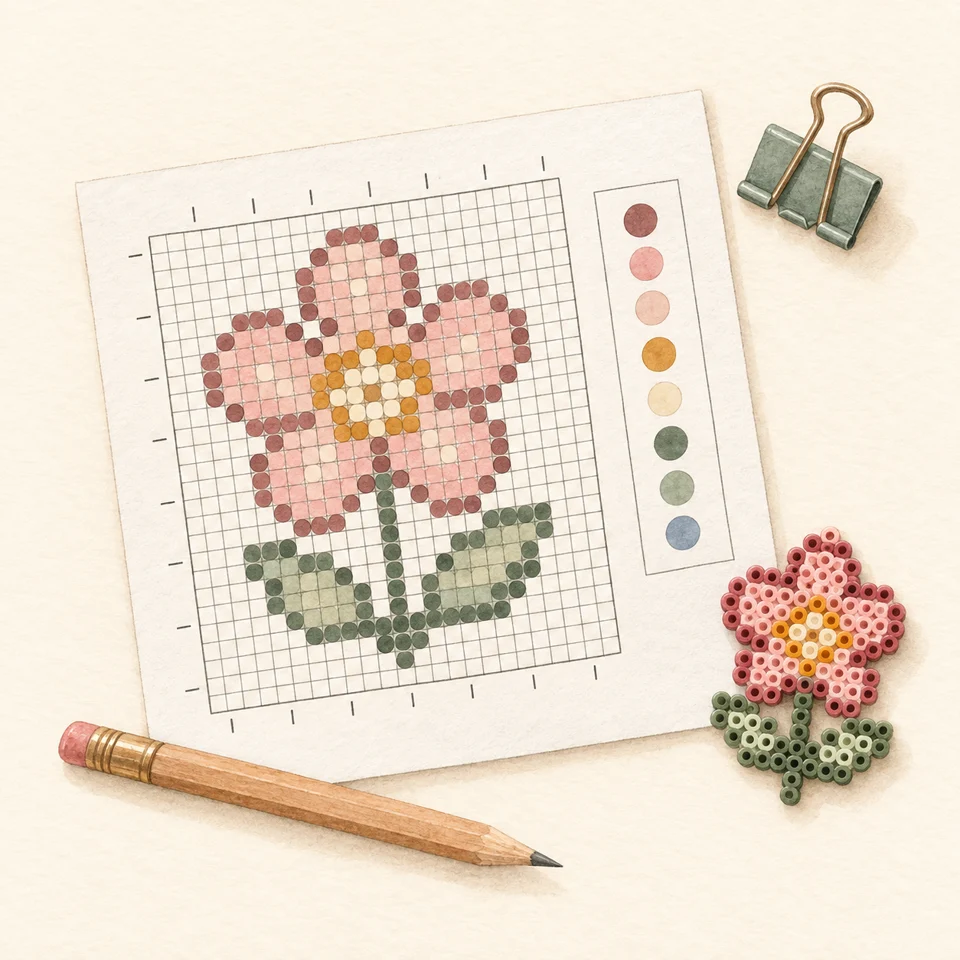
Export a crisp PNG with coordinates, grid lines, cell codes, color counts and total bead count.
Fine editing
The canvas stays focused and common actions stay close. A generated result is a draft you can keep refining.
No upload and no installation. Open the workbench and begin with one image.
Editor specifications
These are current editor capabilities, not invented customer metrics.
grid width range
maximum cells per pattern
maximum colors
FAQs
Made for these projects
Distill pets, travels and everyday photos into clear pixel patterns made for fuse beads.
Control the grid and color count, then refine contours and expressions by hand.
Export a pattern with coordinates and color counts to make alone or share with friends.